Delete Your ReploChat Account
You can deactivate your account from inside the app at any time and request permanent erasure of your data. Here's exactly how it works.
Account Deletion Process
Follow these 3 steps in the app to deactivate your account. To complete a permanent erasure of your data, see the timeline below.
-
Step 01
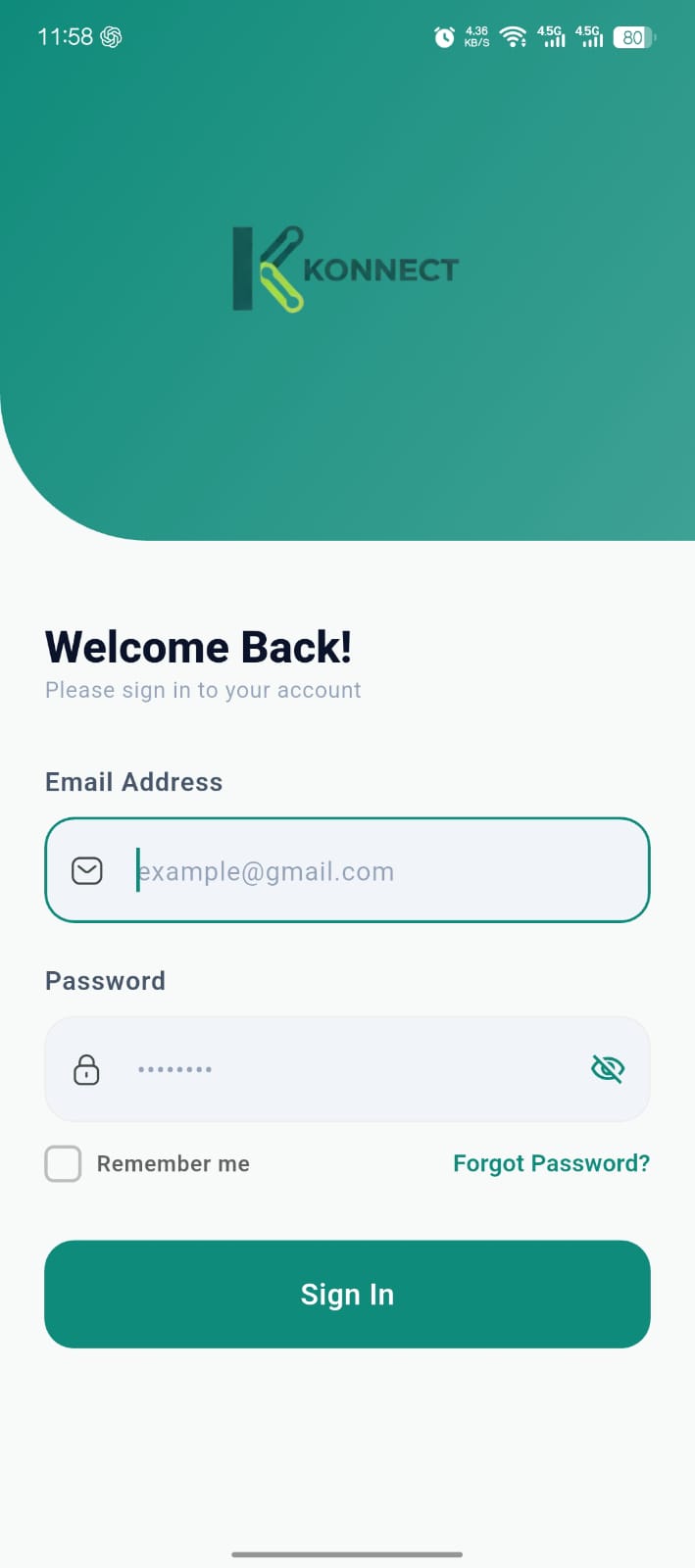
Open App
Log in to your account and open the profile or account settings section inside the app.
-
Step 02
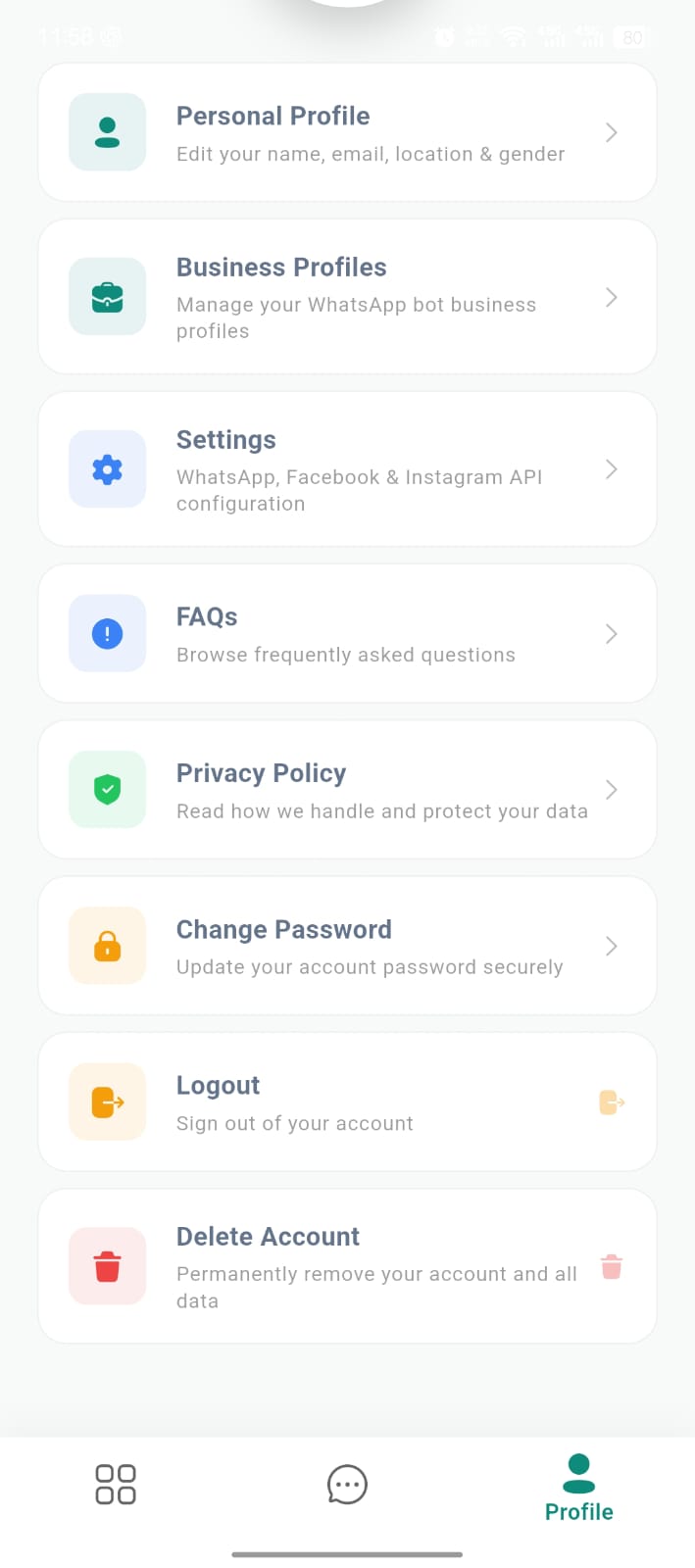
Account Settings
Navigate to account settings and select the “Delete Account” option.
-
Step 03
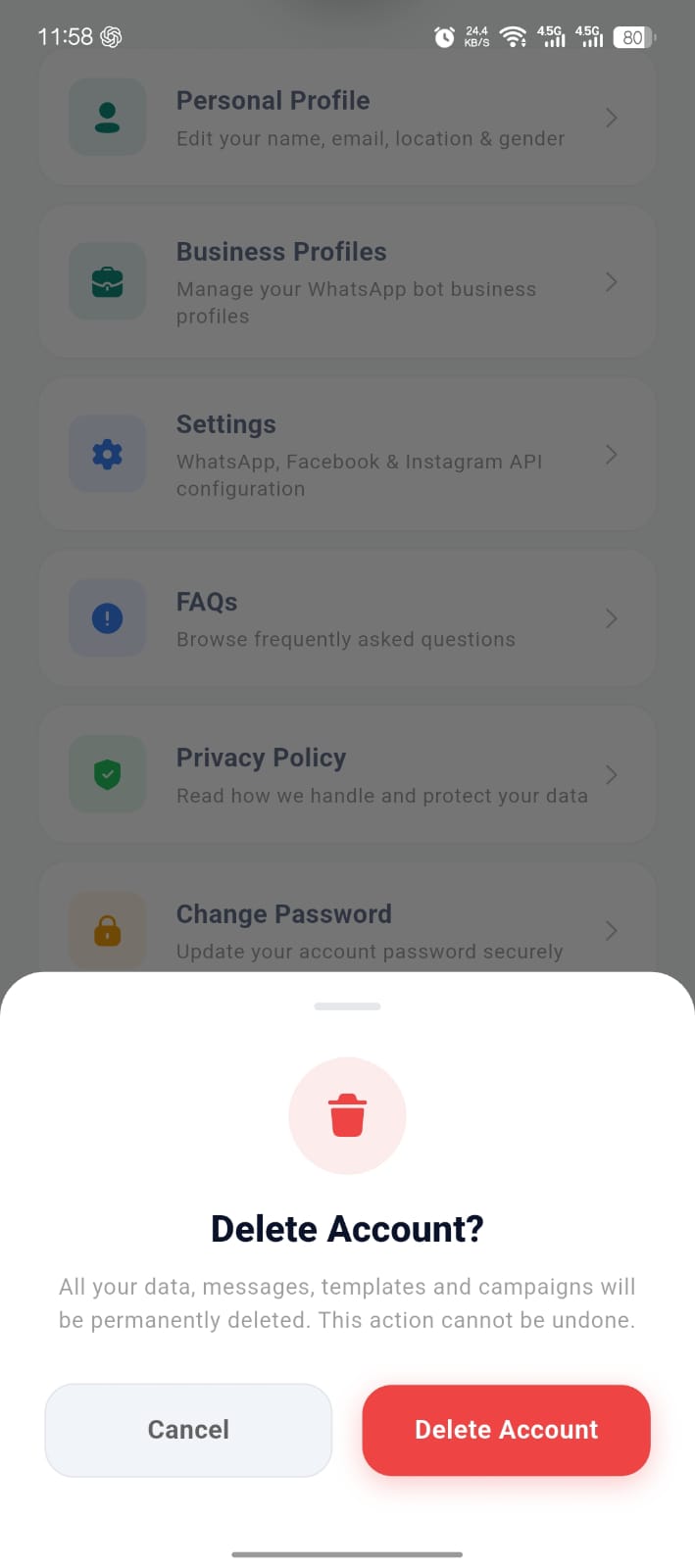
Confirm Deletion
Confirm your request. Your account is deactivated immediately and you are signed out of all devices.
What happens after you confirm
-
Immediately
Account deactivated
Your account is disabled, all active sessions and access tokens are revoked, and you are signed out everywhere. Sending and receiving stops.
-
For 30 days
Recovery window
Your data is retained for up to 30 days in case you change your mind. To reactivate during this period, contact our support team.
-
On erasure
Permanent deletion
After the window — or sooner if you request it — your data is permanently erased and your stored WhatsApp/Meta credentials are cleared.
What gets removed
- Your profile and login
- Chats and conversation history
- Contacts and labels
- Campaigns and templates
- WhatsApp Flows (forms) and their responses
- Stored WhatsApp/Meta access credentials
Note: deleting your ReploChat account removes your data from ReploChat. It does not delete your WhatsApp Business Account at Meta — manage that separately in your Meta Business settings. We may retain limited records where required for legal, tax, or security purposes.
Request immediate erasure
Can't access the app, or want your data erased right away instead of waiting out the 30-day window? Contact GOFTECH and we'll verify your request and permanently delete your data. Once erased, data cannot be recovered.